Terminal or file list
Ctrl+Ö
Ctrl+Ö toggles the panel (Ctrl+` on a US layout), as in VS Code on a German keyboard; Ctrl+Shift+Ö opens a new terminal with a choice of shell. The other panel stays a file list.
Terminal
Switch a panel between files and a shell with one key, locally, in WSL or on a server.
Terminal
Classic two-panel file managers have no terminal. In rCommander every panel can be one, local, in WSL or on the server you just opened.
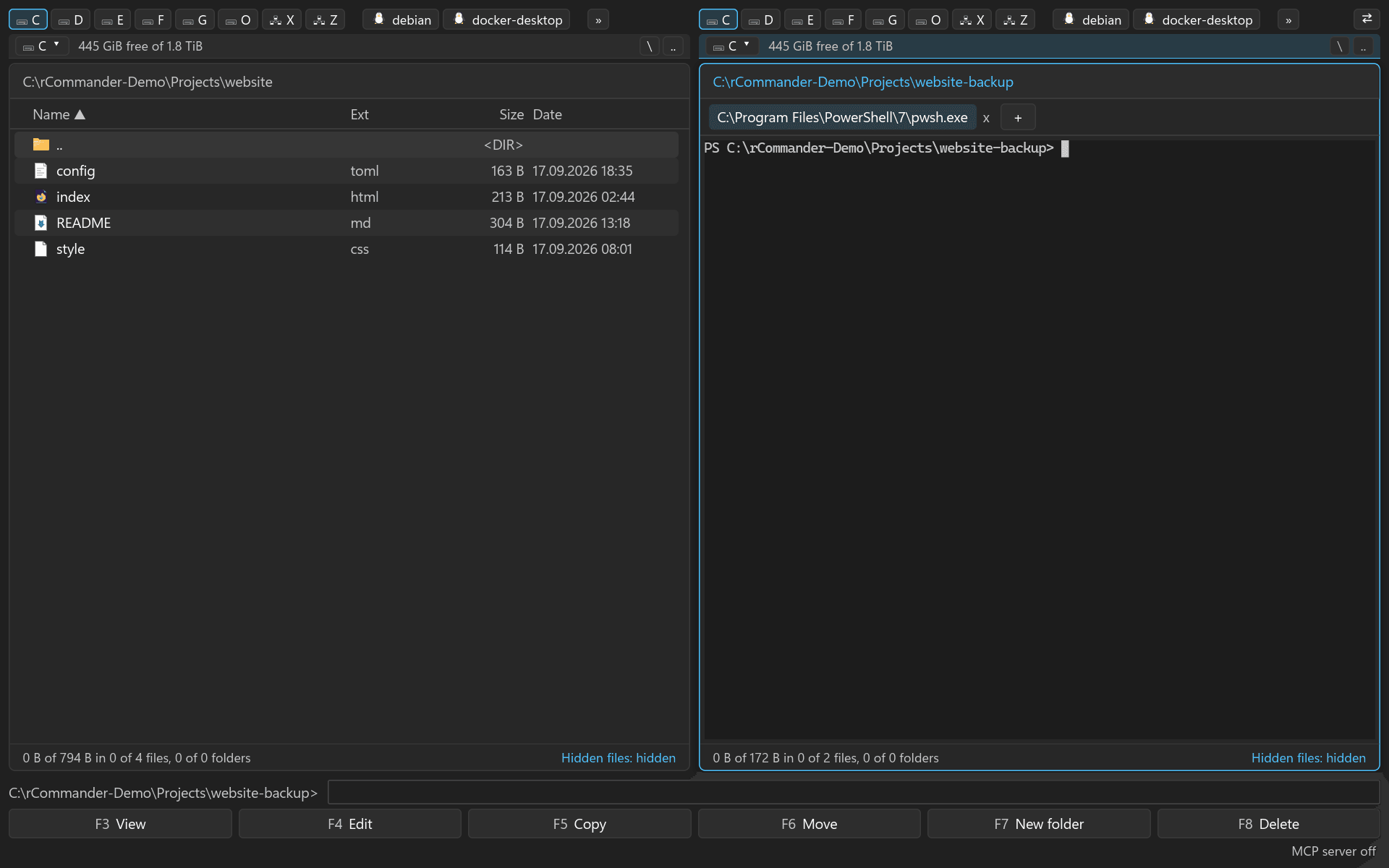
Ctrl+Ö toggles the panel (Ctrl+` on a US layout), as in VS Code on a German keyboard; Ctrl+Shift+Ö opens a new terminal with a choice of shell. The other panel stays a file list.