Two panels
Ctrl+U
Two virtualised file lists side by side; Ctrl+U swaps them, Ctrl+Shift+U with their tabs. Column widths and the divider are dragged with the mouse and remembered, a double click resets them.
Features
The keys, dialogs and rename masks of the classic two-panel file manager, in a fast native application. Each card names the milestone that brings it.
Panels
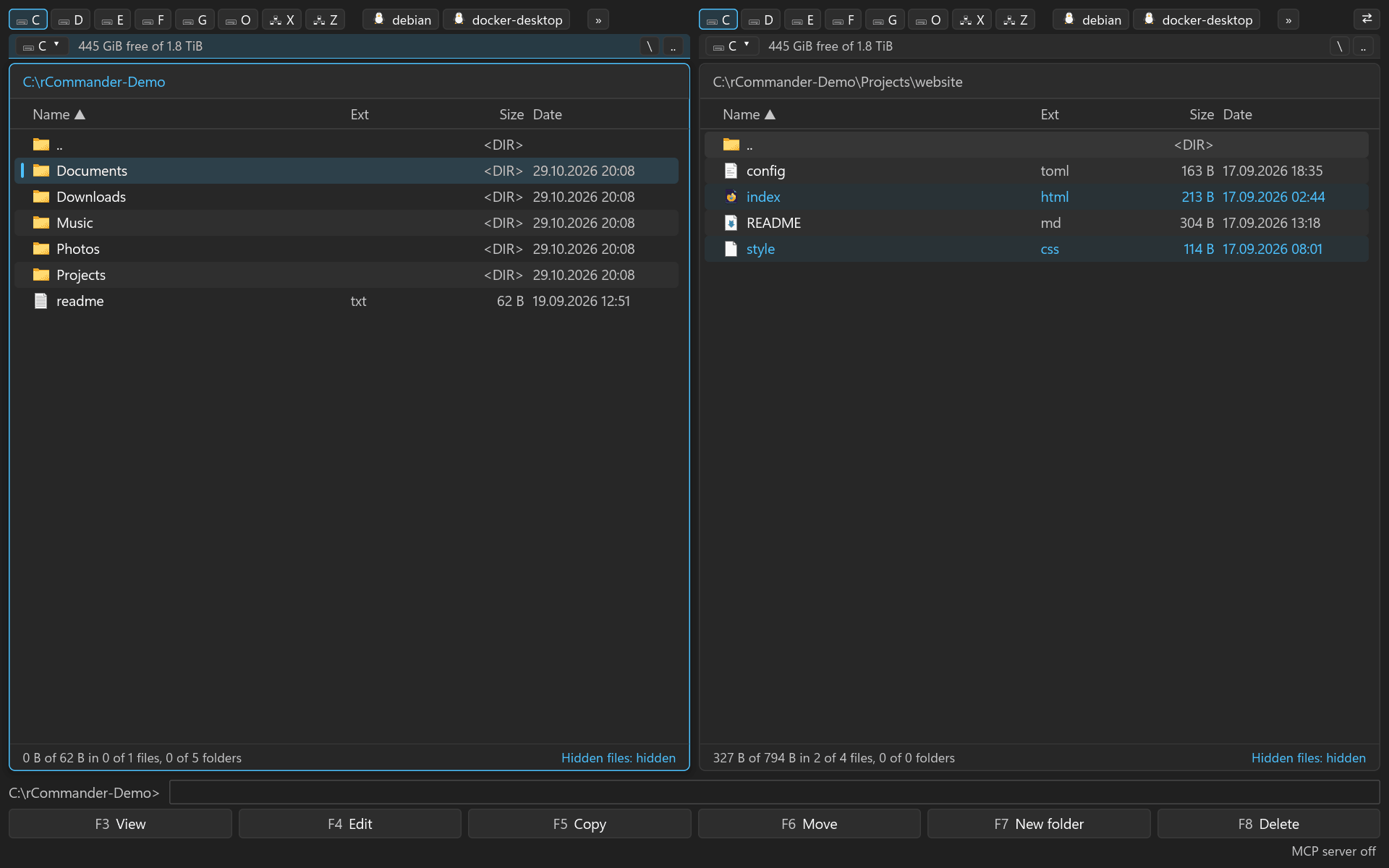
Two virtualised file lists side by side; Ctrl+U swaps them, Ctrl+Shift+U with their tabs. Column widths and the divider are dragged with the mouse and remembered, a double click resets them.
File operations
Copy and move with progress for the current file and the whole selection, verified with BLAKE3 on request, timestamps and attributes kept; delete to the recycle bin or for good with Shift+F8.
Multi-rename
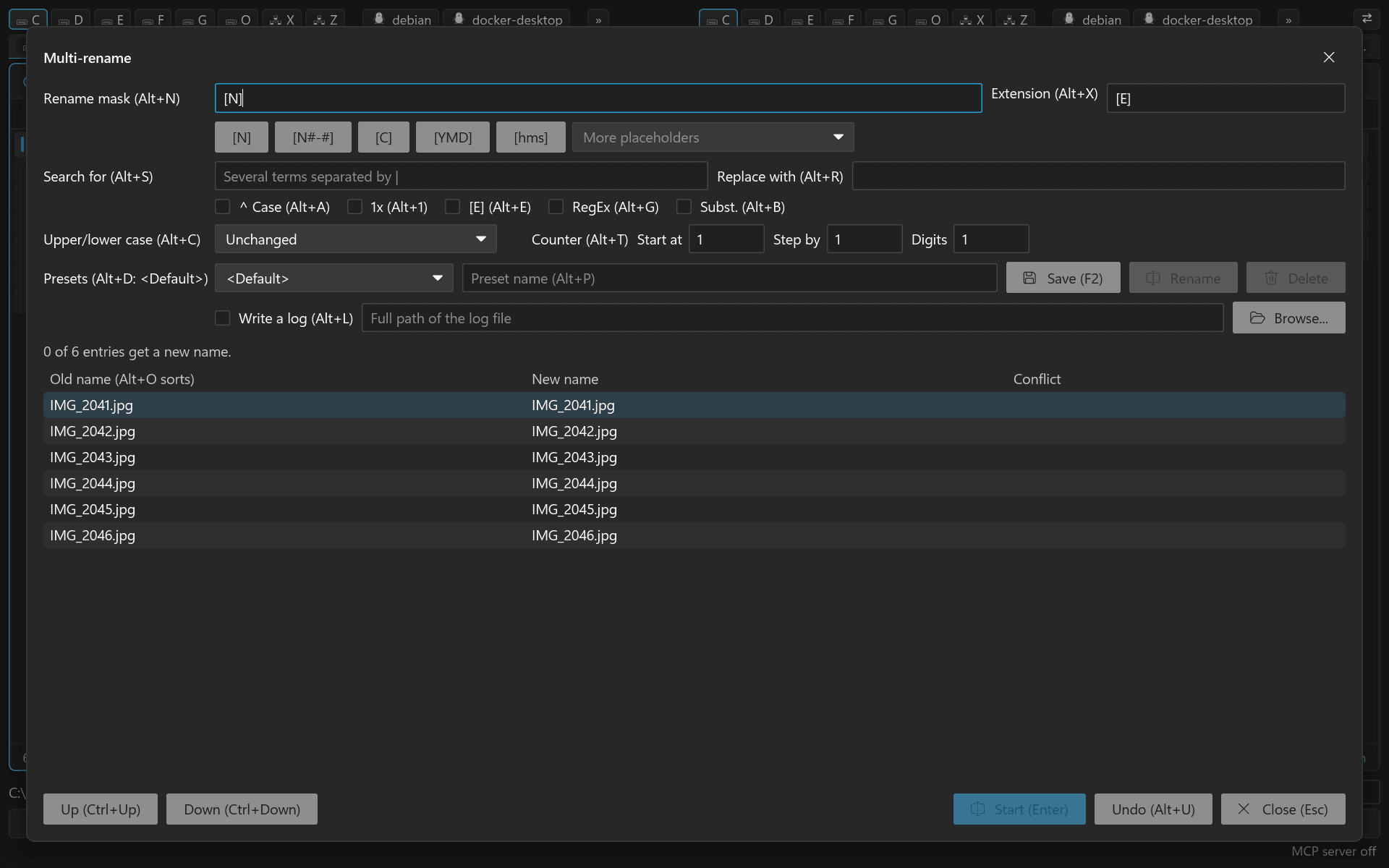
Name, extension, counter with start, step and width, date and time, parent folders and path parts, case from a position on: the established commander syntax, with a backslash moving a file into a subfolder.
Search and compare
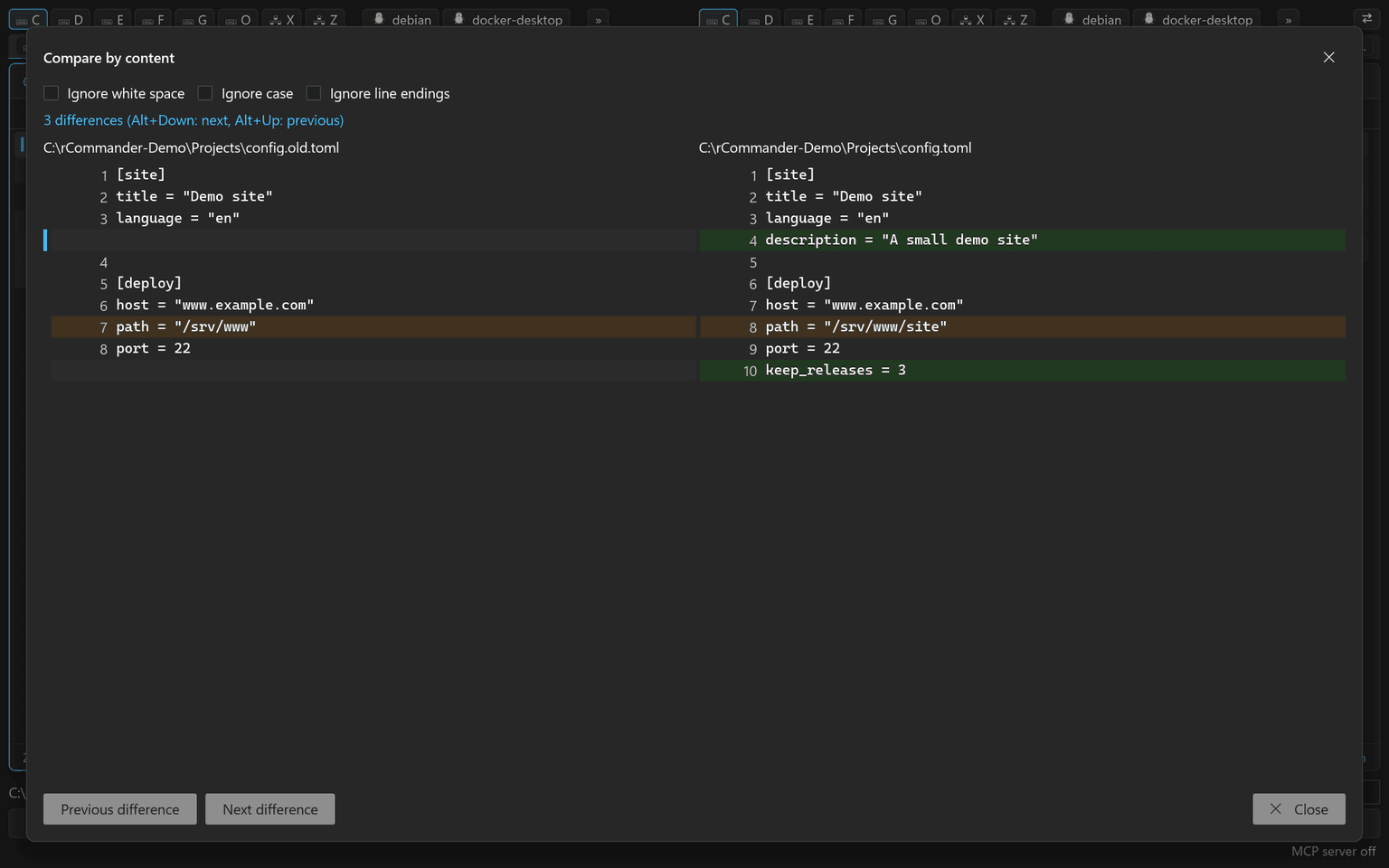
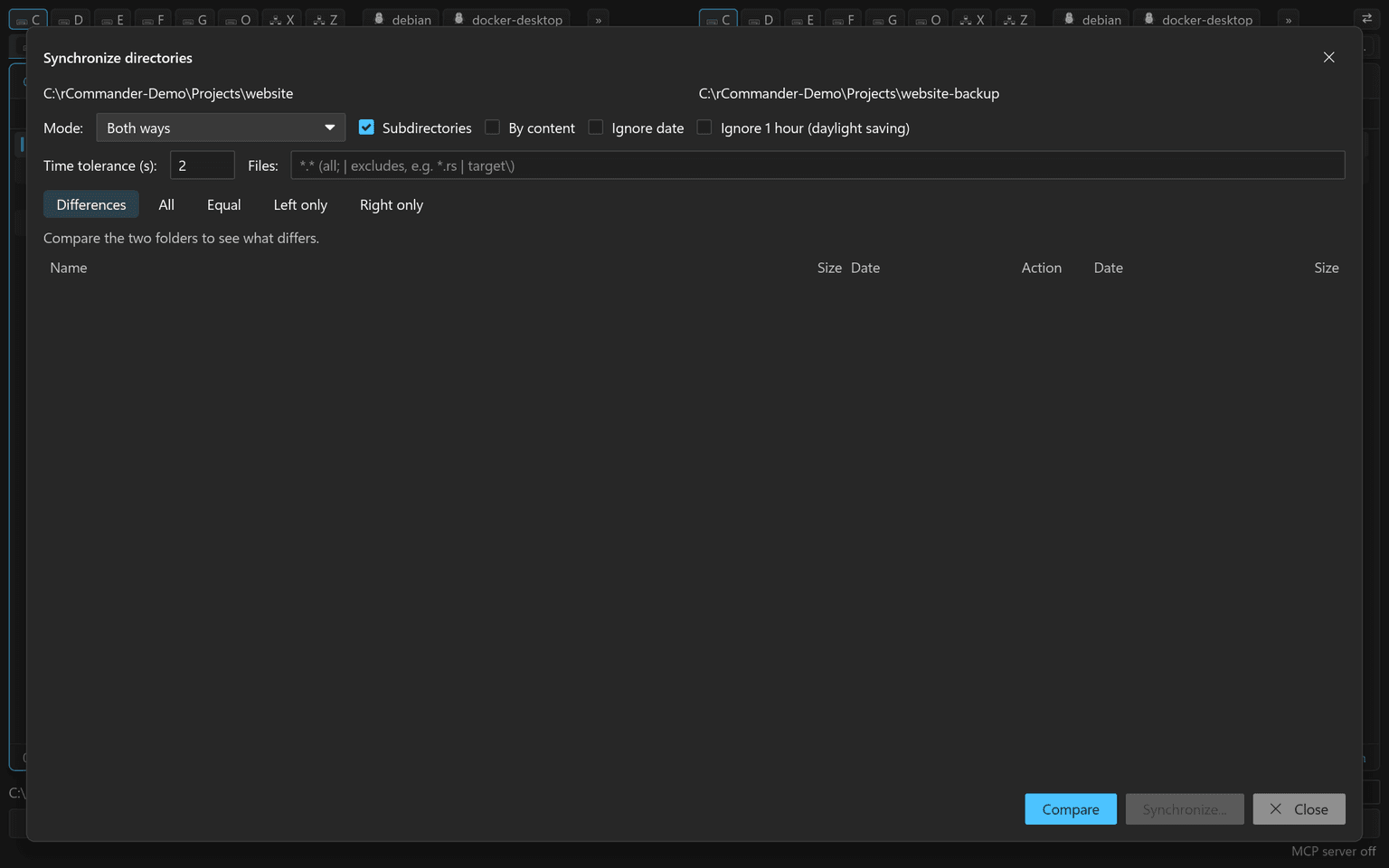
Alt+F7 searches by name masks with exclusions, regular expressions, text in files in several encodings, date, size and attributes, at any depth and through links with a cycle guard.
Lister
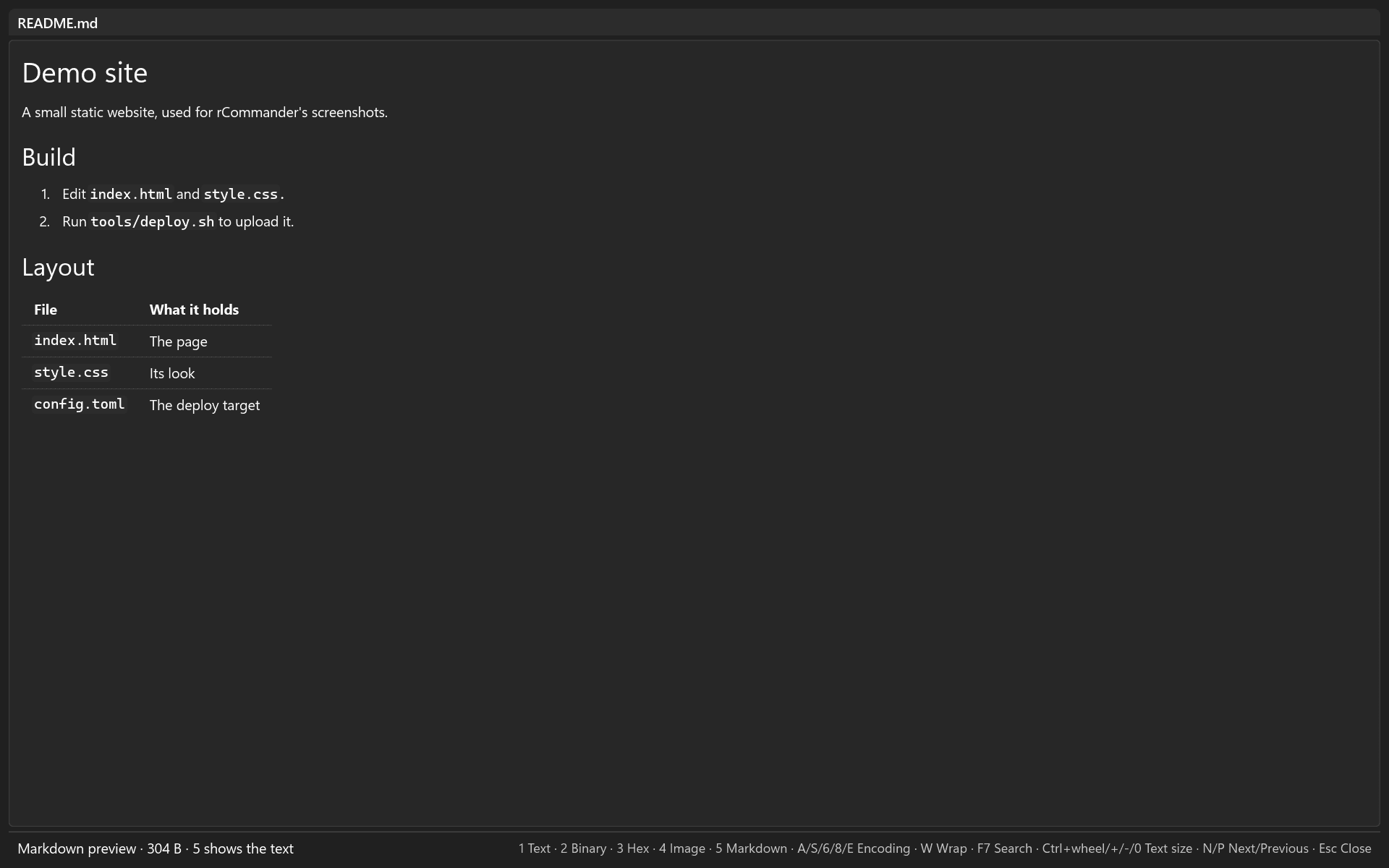
F3 opens a Lister window that reads a page at a time, so file size does not matter; search forward and backward, go to an offset with Ctrl+G.
Archives
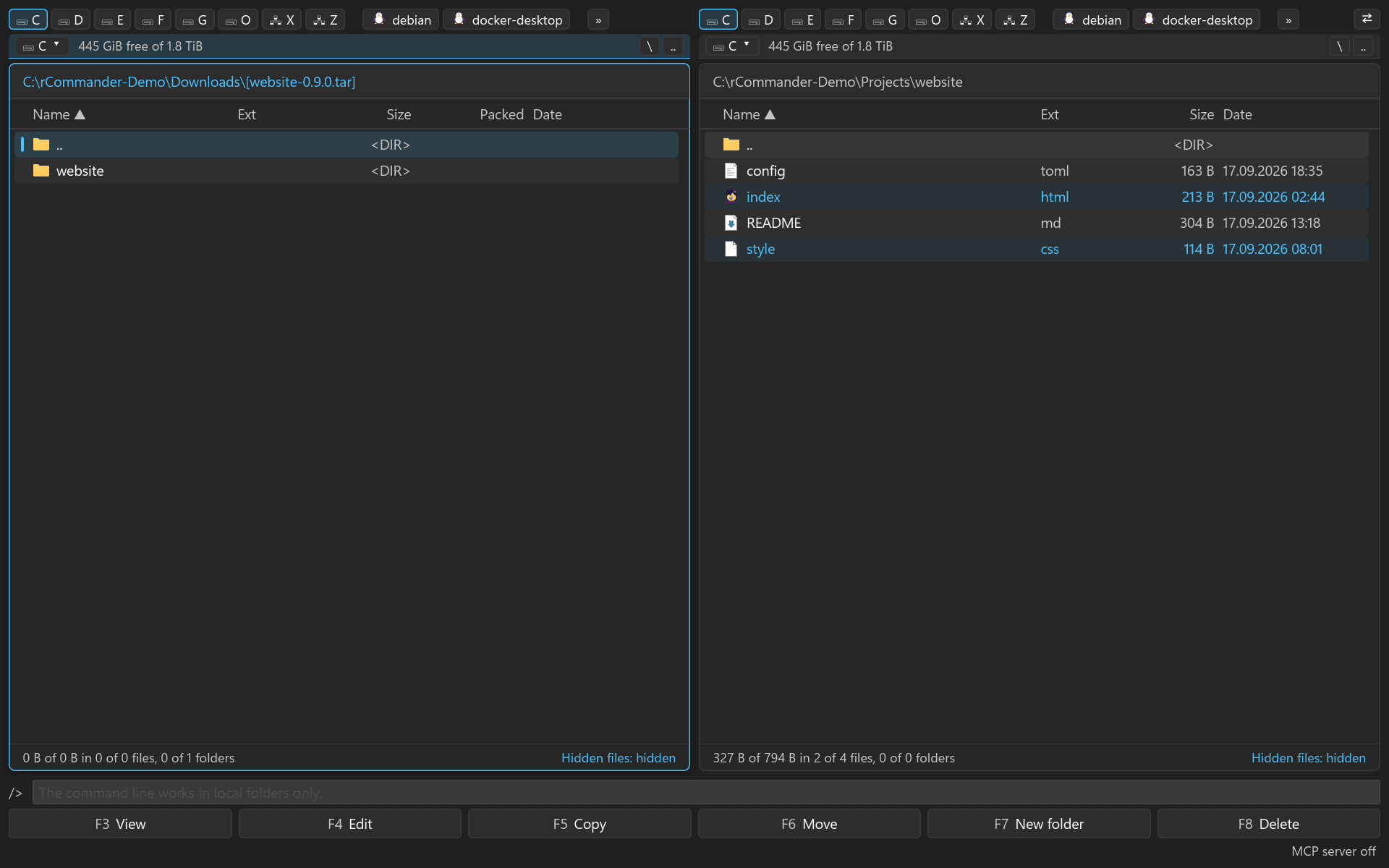
Enter or Ctrl+PgDn opens an archive like a folder, .. leaves it; files inside open as a read-only copy, F5 copies them out.